

> At a Glance
> – Google is rolling out new Gemini AI features to Google TV starting with select TCL models
> – Viewers can use voice commands to fix picture or sound issues without digging through menus
> – AI also offers personalized recaps, learning guides, and cinematic photo slideshows
> – Why it matters: Couch potatoes can finally skip the settings maze and just ask the TV to fix itself
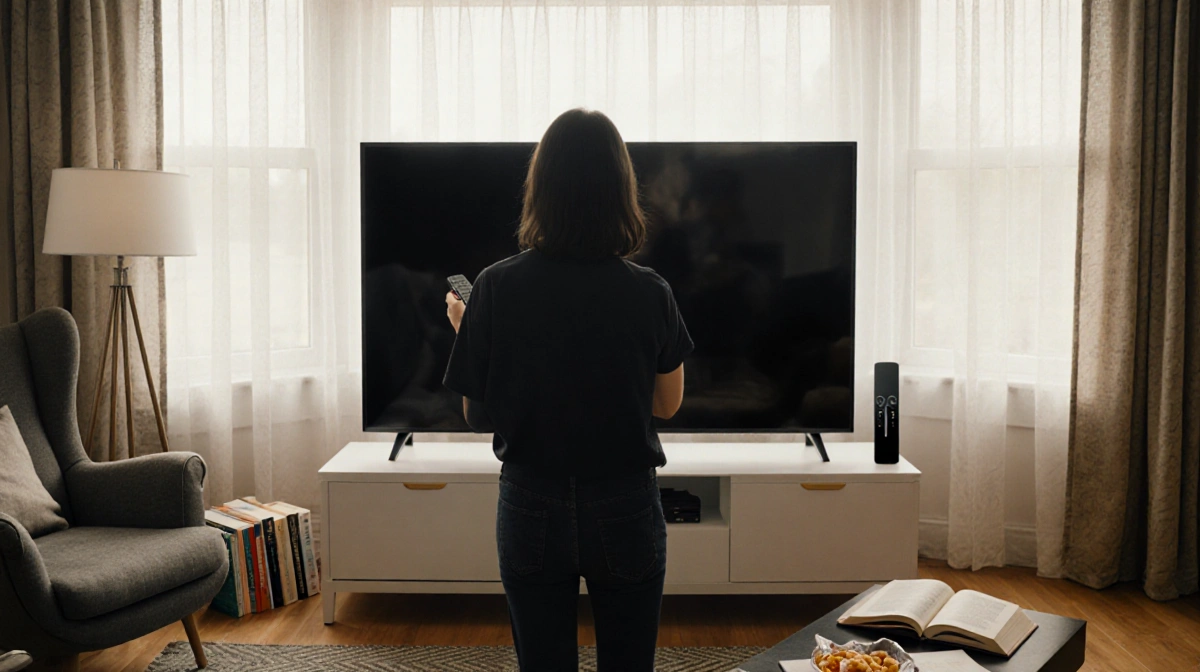
Google is turning the biggest screen in the house into a conversational companion. Fresh off its November debut on Google TV, the company’s Gemini AI is adding tricks that let viewers talk their way into better picture, smarter search, and even homework help-no remote gymnastics required.
Talk, Don’t Tap
Say “the screen is too dim” or “I can’t hear the dialogue” and Gemini tweaks the relevant settings on the fly. The same voice command works for hunting down shows: describe the plot, name an actor, or mash up two people’s tastes and the AI surfaces matching titles.
Additional voice tricks coming first to TCL sets:
- Ask for a recap of last week’s episode
- Request something “like Inception but lighter”
- Combine two viewers’ preferences into one watch-list
Beyond Binge-Watching
Google sees the TV as a classroom, too. Pose a question-say, “How does photosynthesis work?”-and Gemini fires up a narrated, interactive explainer on the big screen. Follow-up questions keep the lesson going without switching apps.
| Requirement | Minimum Spec |
|---|---|
| OS Version | Android TV OS 14 or higher |
| Account | Google account required |
| Network | Always-on internet |
Your Memories, Remixed
The AI also mines Google Photos. Ask for “all beach sunsets with Mom” or “kids’ first day of school” and Gemini builds a cinematic slideshow. Feeling artsy? Apply cartoon, watercolor, or sci-fi filters to turn home videos into stylized shorts.
> Note: Languages, countries, and device support will be limited at launch.

Key Takeaways
- Gemini upgrades land first on select TCL Google TVs, then spread to other brands in the months ahead
- Voice-first controls eliminate menu diving for brightness, volume, or content search
- Educational mode turns the living-room screen into an on-demand tutor with interactive overviews
- Personal media gets an AI glow-up through cinematic montages and artistic filters
Google’s bet: once viewers realize they can talk to the TV like they talk to their phone, the remote might start collecting dust.