
At a Glance
- Google has added new theft-protection tools to Android devices.
- Devices running Android 16 or higher gain a toggle for Failed Authentication Lock and longer lockout times.
- The Remote Lock tool now offers a security challenge and is enabled by default in Brazil.
- Why it matters: The updates make Android phones harder for thieves to unlock and easier for owners to recover them.
Android users and security experts have long watched how smartphone manufacturers protect devices from theft. Google’s latest update adds several layers of protection that were previously available only to a subset of devices or in specific regions. The changes are aimed at making Android phones as secure as the industry’s most popular alternatives.
New Features for Android 16 and Above
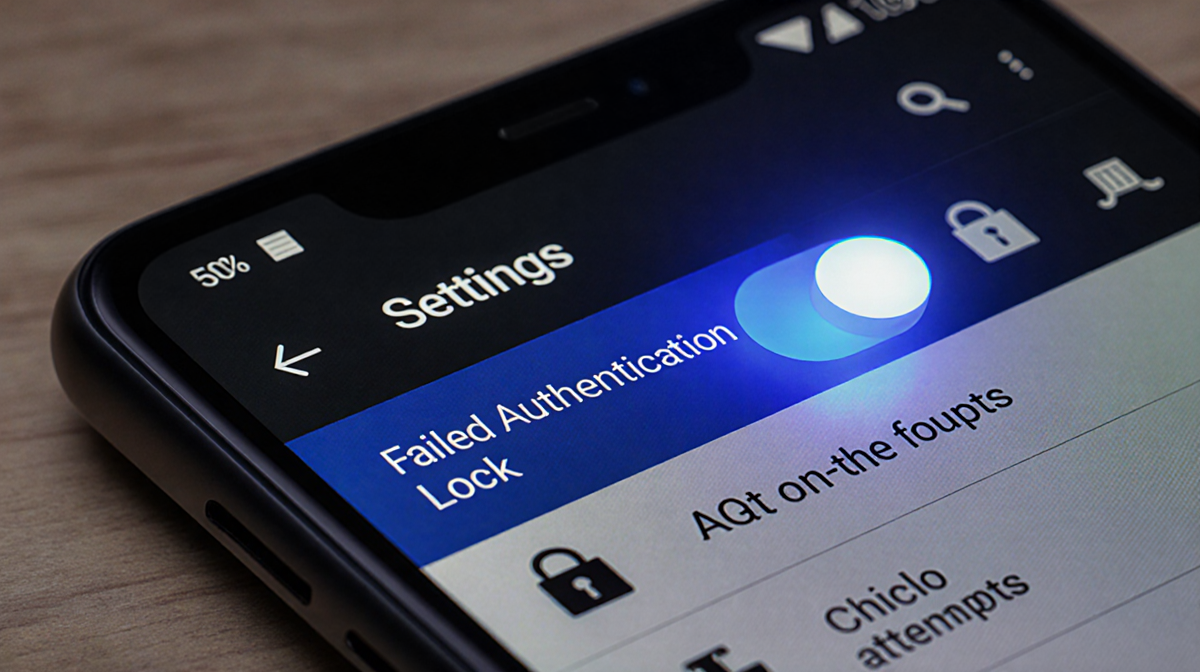
Android 16 users now have a dedicated on/off toggle for the Failed Authentication Lock feature. The toggle is located in the device’s Settings menu and allows owners to decide whether the phone should automatically lock after too many failed login attempts. The feature is built on the same foundation as the existing Theft Detection Lock and Offline Device Lock tools that were introduced earlier in 2024.
The update also increases the lockout time after each failed attempt. If a thief repeatedly guesses a PIN, pattern, or password, the phone will lock for a longer period before allowing another attempt. This incremental delay makes brute-force attacks more difficult and discourages opportunistic theft.
Strengthening Authentication
Identity Check, which first appeared on Android 15 and higher last year, now applies to all apps that use biometric authentication. Banking apps, the Google Password Manager, and other sensitive services that rely on fingerprint or face recognition are now protected by an extra layer of verification. The feature checks that the biometric data used to unlock the app matches the device’s stored profile.
Because the new Identity Check covers every biometric-enabled app, the risk of a thief gaining access to personal information through a stolen device is significantly reduced. Users no longer need to rely on a single lock screen to protect all of their data.
Remote Lock Enhancements
Remote Lock, a web-based tool that lets owners lock a lost or stolen phone, now includes an optional security challenge or question. The challenge must be answered by the real owner before the lock can be initiated. This addition ensures that only the rightful owner can trigger Remote Lock from a browser.
The feature is available to devices running Android 10 and above, meaning that a broad range of older phones also benefit from the added security. Users can set up the challenge in the device’s Settings under Security & Location.
Brazil-Specific Defaults
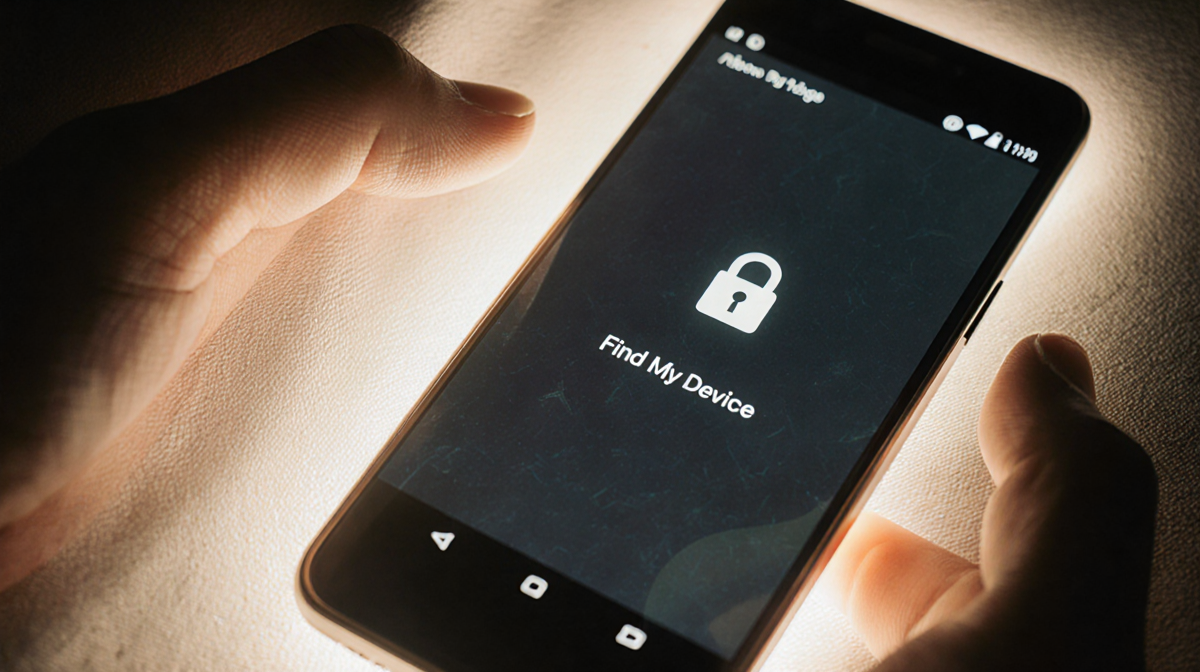
In Brazil, Google has enabled two theft-protection features by default. The first is the Theft Detection Lock, which uses on-device AI to sense motion that could indicate a “snatch-and-run” theft. The second is Remote Lock, which is automatically turned on and can be accessed from the website android.com/lock.
These defaults are part of a broader effort to protect high-end Android devices, such as the Google Pixel Pro and premium foldables, as well as top models from other manufacturers like Samsung. By turning these features on automatically, Google reduces the barrier to entry for users who might otherwise forget to enable them.
How It Works
The Theft Detection Lock monitors the device’s accelerometer and gyroscope data. If it detects sudden, suspicious motion patterns, the phone automatically locks itself and alerts the owner via the Android Security app. The feature runs locally on the device, so it does not rely on a constant internet connection.
Failed Authentication Lock keeps a counter of failed login attempts. Once the threshold is reached, the phone locks for a set period. The longer lockout time introduced in the latest update is calculated based on the number of consecutive failures, making each subsequent attempt increasingly difficult.
Identity Check verifies biometric data against a secure enclave on the device. If the data does not match, the app will request the user’s PIN or password instead. This process occurs instantly and does not require a network connection.
Remote Lock communicates with Google’s servers via HTTPS. When the owner initiates a lock from a browser, the server sends a command to the device, which then triggers the lock screen and disables all input methods.
Timeline of Releases
| Date | Feature | Platform |
|---|---|---|
| 2024 | Identity Check introduced | Android 15+ |
| 2025 | Expanded theft-protection suite | Android 16+ and Android 10+ |
| 2025 | Default Theft Detection Lock in Brazil | Android 16+ |
The timeline shows how Google has built upon its earlier security tools to deliver a comprehensive protection package for Android users.
Key Takeaways
- The new updates make Android phones more resistant to theft and easier to recover.
- Users now have granular control over lockout behavior and can enable or disable Failed Authentication Lock.
- Identity Check’s expansion to all biometric apps reduces the risk of unauthorized access.
- Remote Lock’s security challenge adds an extra layer of protection for remote operations.
- Brazil’s default activation of Theft Detection Lock and Remote Lock demonstrates Google’s commitment to regional security needs.
These changes reinforce Android’s position as a secure platform for personal and professional use, ensuring that users can protect their data and devices from theft.